The first studio edit.
558 image entries, now including 28 plan-fill patterns reused from the earlier project libraries.
SOURCE INVENTORY · v0.2 + PLAN FILLSA LIBRARY FOR THE WAY YOU DESIGN
Thoughtful objects. Tactile surfaces. Beautiful places.
Give your drawings the detail they deserve.
ARCHITECTURE · INTERIORS · LANDSCAPE
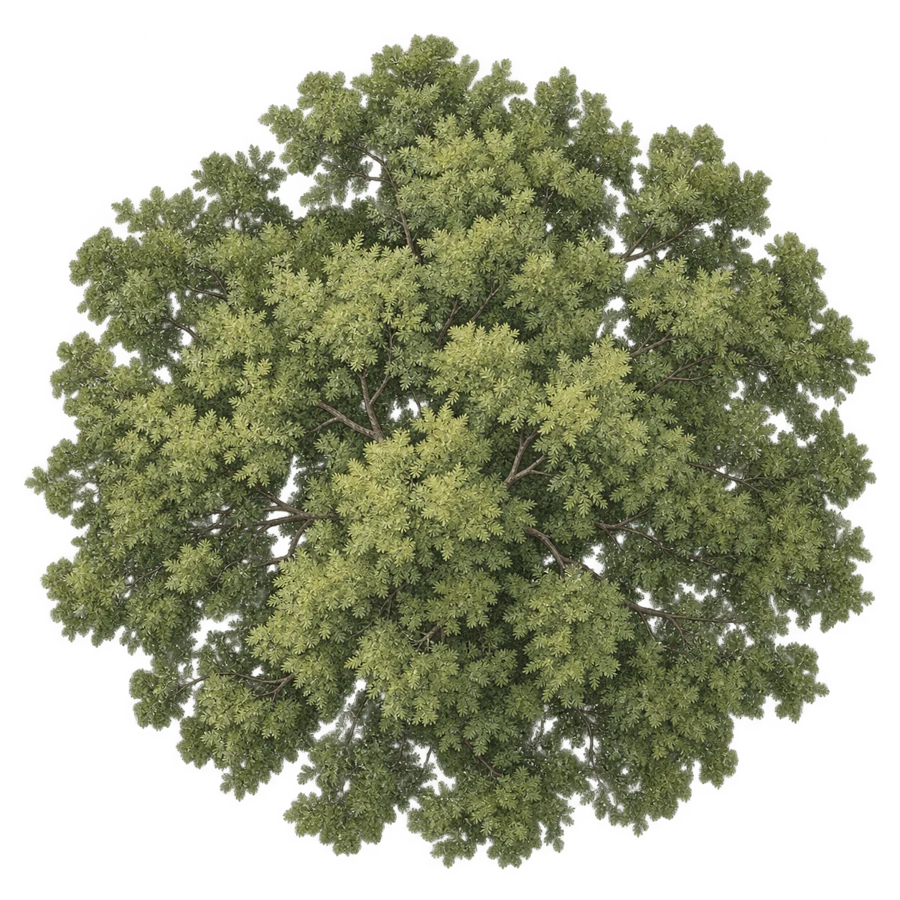
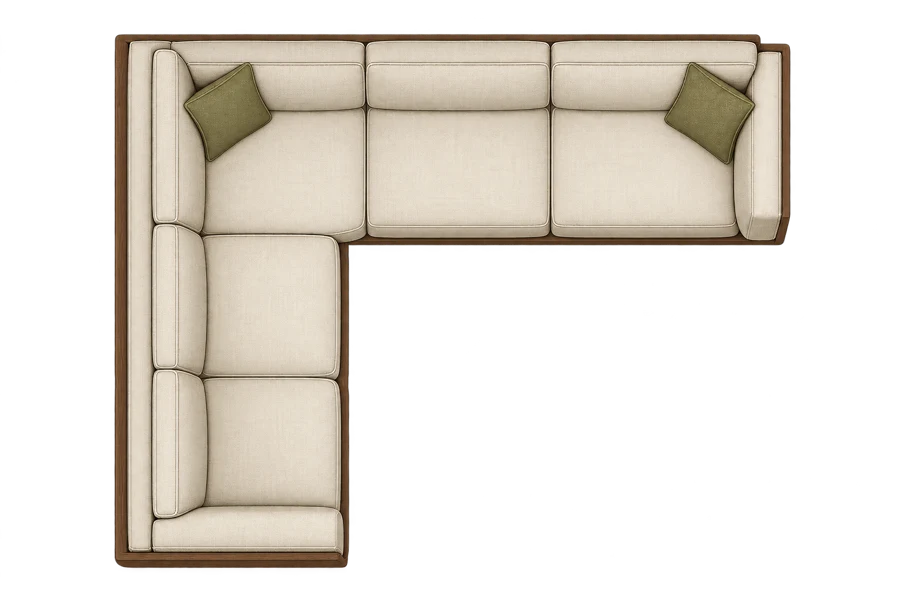 SMALL DETAILS. BIG DIFFERENCE.
 made of good things ↗
FILL THE SPACES BETWEEN
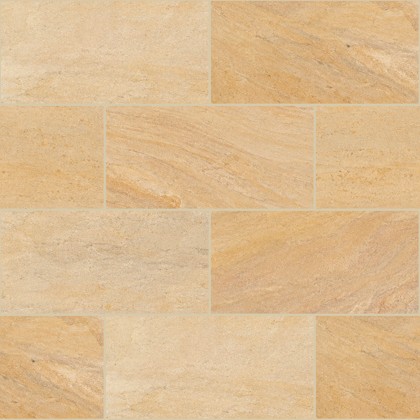
28 actual raster fill patterns for your plans.
Explore the surface, preview a shape, then place it in your drawing.
Reused from the existing project library · Repeat seams not yet verified · Original downloads are not open yet
YOUR NEXT GREAT DRAWING STARTS HERE
From the first tree to the finishing touch.
Find your detail, then make it your own.
Try another search or explore all collections.
LESS SETUP. MORE DESIGN.
A simple raster workflow for Illustrator, Photoshop and the drawings on your desk.
Search by collection, preview the detail and save a few favourites.
Download the PNG, then drag the local file from your folder into your drawing. Adjust its size to suit your plan.
Place a downloaded texture behind a closed shape and make a clipping mask. The preview below lets you explore a look before placement.
A SMALL ADDITION TO YOUR STUDIO
Build a library that grows alongside your work. Explore the current collection and discover new releases as they are added.
THE STUDIO MEMBERSHIP
FROM THE STUDIO
New work belongs here, thoughtfully.
Release notes will keep the changes clear.
558 image entries, now including 28 plan-fill patterns reused from the earlier project libraries.
SOURCE INVENTORY · v0.2 + PLAN FILLSA web membership, protected downloads and a clearer route from finding an asset to using it in a drawing.
PRODUCT PREVIEWFuture releases will be reviewed, dated and listed here. A release schedule will be confirmed before membership opens.
PLANNED · NO FIXED CADENCE YETHELP SHAPE THE NEXT COLLECTION
Tell us what would make your next drawing better. Objects, landscape elements, campus details or a 2D fill pattern you cannot find.
Requests go to ilu@kalatheart.com. Prepare your brief below, then open your email app and send it. You can also download the brief as Markdown and attach reference images to your email.
REQUEST → SELECT → CREATE → REVIEW → RELEASE
A FEW USEFUL THINGS
When downloads open, download the PNG first, then drag the local file from your Downloads folder into Illustrator. Web browsers do not reliably pass a local file to Illustrator. The separate Windows companion supports native file dragging.
The web shape preview is a visual aid. In Illustrator, place a texture and a closed shape, bring the shape to the front, select both and choose Object → Clipping Mask → Make. This clips a raster image; it does not create a native pattern swatch.
After pricing, payment processing, account access and download protection are connected and tested. This preview cannot accept payments or unlock member downloads.
Launch terms are still being prepared. Commercial rights, source clearance, permitted use, and what happens to downloaded files after cancellation must be confirmed before public sale. Nothing in this preview grants a new commercial licence.